

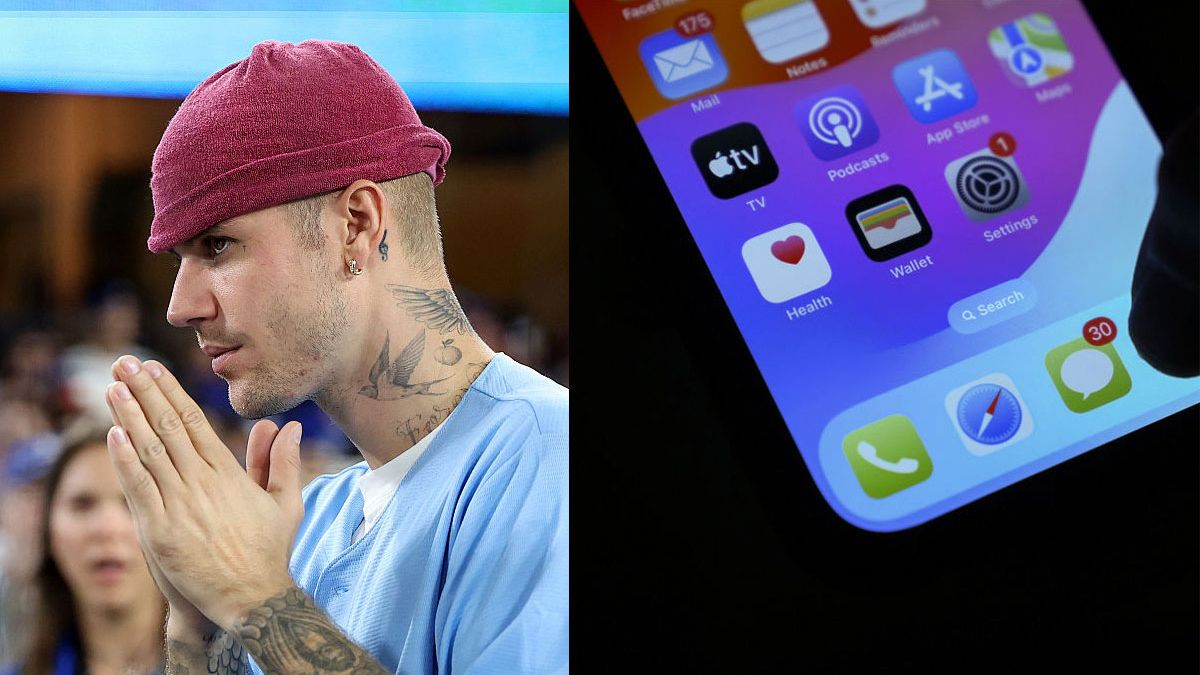
New Delhi, June 10, 2026: Following the release of the iOS 27 developer beta at WWDC, tech enthusiasts digging through the new software discovered a highly specific user interface update. Apple has officially introduced a settings toggle that allows users to completely remove the dictation microphone icon from the iMessage text field. While a minor tweak for some, the update directly resolves a glaring smartphone frustration that global superstar Justin Bieber famously swore to fight Apple over late last year.
The story highlights an entertaining intersection of celebrity influence, user experience design, and software evolution. Here is a breakdown of how a small layout flaw drove Justin Bieber crazy, how it affected millions of regular users, and how Apple quietly resolved the issue in its latest major operating system update.
The Rant That Started It All
The drama originally kicked off in December, when Justin Bieber reached his absolute breaking point with the native iOS Messages app. Taking to his personal Instagram account, the “Stay” singer posted a blunt, hilariously intense message venting his immense frustration with the text box layout on his iPhone.
Bieber explained that the design created a regular disruption to his daily routine. Whenever he typed out a message while listening to music, his thumb would naturally rest near the right side of the screen. Because of the tight placement, he would frequently double-tap or misstep after hitting “Send,” accidentally triggering the voice dictation microphone symbol.
Every time the microphone activated, the iPhone would emit a sharp system beep and instantly pause whatever song he was listening to, totally breaking his musical groove. Even worse, Bieber noted that turning off general keyboard dictation in his global settings didn’t solve the problem, as the interface would simply swap the microphone out for a voice note recorder in the exact same location. To him, the button felt like a digital landmine.
Why the “Landmine Button” Frustrated Millions
While Bieber’s dramatic threat of a “rear-naked choke hold” made headlines for its humor, his underlying complaint resonated deeply with the broader Apple community. For years, interface designers have wrestled with maximizing screen real estate on mobile devices, often stacking multiple interactive shortcuts into tiny corners of the display.
In the modern iMessage layout, the right side of the text input box handles dynamic transformations:
- The Active State: While you are typing, a green or blue arrow appears to let you send your message.
- The Static State: The moment you tap “Send” and the text box clears, that arrow instantly shifts back into a gray microphone icon for voice dictation.
Because human muscles rely heavily on muscle memory, users who text rapidly often tap the screen in quick succession. If a user taps the send button a millisecond after a message fires, or if their thumb lingers a fraction of a second too long, the system registers a completely separate command.
For ordinary users, the result was a constant stream of accidental audio recordings, sudden music pauses, and awkward system beeps. Bieber’s public call-out essentially validated a collective sigh of frustration shared by millions of iPhone users who felt they simply had clumsy thumbs.
Also Read: Sapna Choudhary Files Domestic Violence Case Against Veer Sahu
Enter iOS 27: How Apple Fixed It
Apple is historically known for defending its core design choices, often expecting users to adapt to the software rather than tailoring the software to the user. However, the outcry surrounding this particular layout flaw was apparently too loud to ignore.
In the newly unveiled iOS 27 preview, Apple quietly buried a new customization feature deep within the system settings. The update gives users total control over the composition of their text bar, providing a clean path to banish the accidental dictation triggers forever.
Step-by-Step: How to Remove the Dictation Button
For users running the new software, fixing the layout requires a quick trip to the redesigned settings architecture:
1.Open Settings:Requires iOS 27.
Launch the system Settings app on your iPhone.
2.Navigate to Apps:System Menu Change.
Scroll down and select the dedicated Apps category, which now houses all native system applications.
3.Select Messages:App Management.
Tap on the Messages option to open up the internal configuration menu for iMessage.
4.Toggle ‘Show in Text Field’:The Fix.
Locate the dictation settings section and switch the Show in Text Field toggle to Off.
Once flipped off, the microphone icon vanishes entirely from the text box when it is empty. This leaves the entry bar beautifully clean and ensures that the right-hand corner of the chat field acts strictly as a send trigger, exactly as Bieber demanded.
Celebrity Feedback vs. Public Consensus
The swift inclusion of this toggle has sparked a lively debate across tech forums like MacRumors and Reddit. Some users have jokingly pointed out that while millions of public feedback reports go unnoticed in Apple’s developer queues for years, a single viral post from a pop star can result in an overnight software redesign.
“I guess it takes a celebrity endorsement for Apple to change a bad menu,” one forum user commented.
At the same time, UX (user experience) experts view this as a victory for functional design. Mobile screens have become increasingly cluttered with features, and giving users the choice to simplify their daily communication tools is a major step forward for software accessibility.
Whether Apple specifically designed this toggle with Justin Bieber in mind or simply used his viral post as the final motivation to clear up a known design flaw, the result is a win for everyone. iPhone users can finally fire off text messages at lightning speed without the fear of interrupting their favorite playlists. And as for Justin Bieber? The engineers at Apple Park can breathe a sigh of relief knowing they are officially safe from his rear-naked choke hold.