
, University of Delhi (DU), has brought relief and excitement to thousands.)
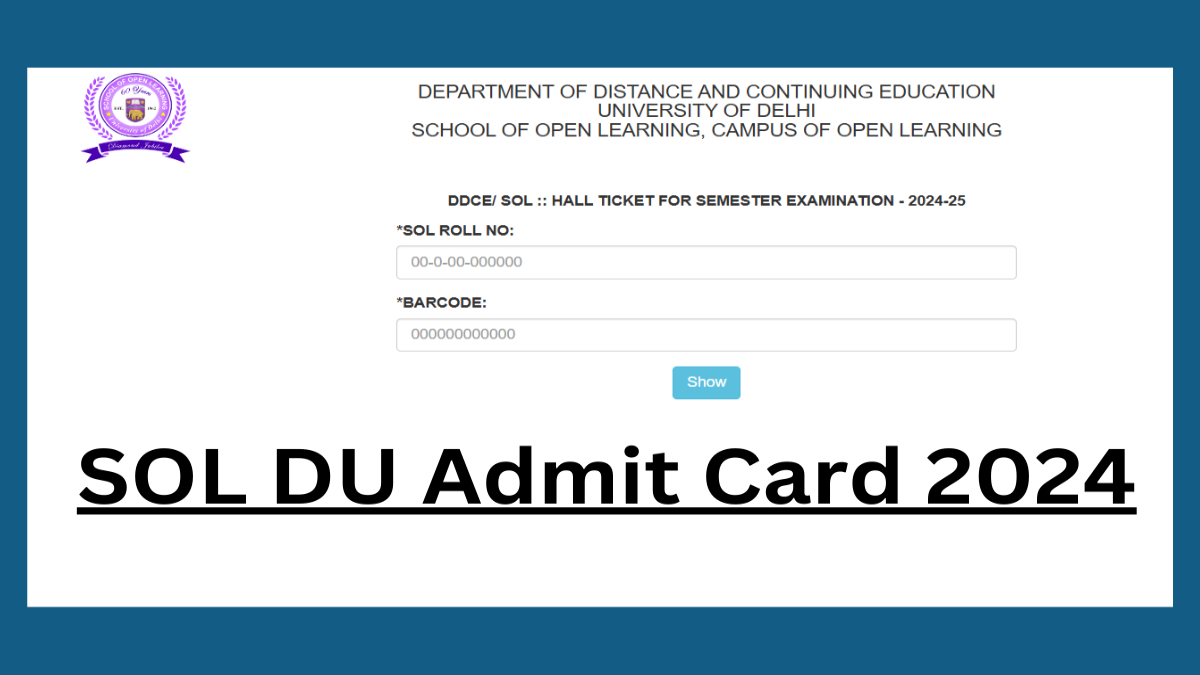
New Delhi, December 09, 2025: The School of Open Learning (SOL), University of Delhi (DU), has brought relief and excitement to thousands of students by officially releasing the Admit Cards for the upcoming 2025-26 academic examinations. The highly anticipated documents were made available earlier today, December 9, 2025, on the SOL’s official website, sol.du.ac.in. This release signals the final countdown for students enrolled in various Undergraduate (UG) and Postgraduate (PG) programs preparing for their annual and semester-end exams.
Immediate Action Required for Candidates
Students are advised to immediately visit the official portal and download their hall tickets. The admit card is a mandatory document—it is the gate-pass to the examination hall, and no candidate will be allowed to appear for the test without a printed copy along with a valid Photo ID proof (such as an Aadhar card, Voter ID, or University ID).
The newly released admit cards primarily cover the students appearing for the Annual Mode examinations (B.A., B.Com, etc.) and the Odd Semester examinations (1st, 3rd, and 5th semester) under the Choice Based Credit System (CBCS) and other schemes for various courses like B.A. Programme, B.Com, B.A. (Hons.) Political Science, M.A., and M.Com.
Steps to Download Your DU SOL Admit Card 2025-26
The download process has been streamlined for quick and hassle-free access. Follow these simple steps to secure your admit card:
- Visit the Official Portal: Open your web browser and navigate directly to the official School of Open Learning website: sol.du.ac.in.
- Locate the Admit Card Link: On the homepage, look for the ‘Student Dashboard’ or a prominent flashing link titled “Admit Card 2025-26 Examination“ or similar. This link is typically found in the main menu or the notifications section.
- Enter Credentials: Clicking the link will redirect you to the login page. You will be required to enter the following mandatory details:
- SOL Roll Number: Your unique roll number assigned by SOL.
- Date of Birth: Enter your date of birth in the required format (DD/MM/YYYY).
- Student Name: (In some cases, the system may require your full name instead of DoB for verification).
- Submit and View: After entering the details, click the ‘Show/Print Admit Card’ button. Your 2025-26 Admit Card will be displayed on the screen.
- Download and Print: Carefully review all the details on the card. If everything is correct, click the ‘Print’ or ‘Download’ option. It is essential to take at least two printouts for safety, preferably one in colour for clear visibility.
Crucial Details to Verify
Downloading your admit card is only the first step. Students must diligently check all the information printed on the document for any errors or discrepancies. Key details to cross-check include:
- Student Personal Details: Your Name, Father’s Name, Gender, and Photograph.
- SOL Roll Number and Examination Roll Number.
- Course and Paper Details: Ensure the list of subjects/papers matches your enrolment and the correct paper codes are listed.
- Examination Centre: Note the complete address of the exam center and the allocated timings for each paper.
- Important Instructions: Read all the guidelines provided at the bottom of the card regarding entry, conduct, and allowed/prohibited items.
In case of any mismatch or error in your personal details or paper codes, candidates must immediately contact the DU SOL administration or the respective regional center well before the start of the exams to get the issue rectified. Failure to do so might create complications on the day of the examination.
With the admit cards now in hand, students are encouraged to focus entirely on their revision and time management. Best of luck to all the candidates appearing for the DU SOL 2025-26 examinations!