

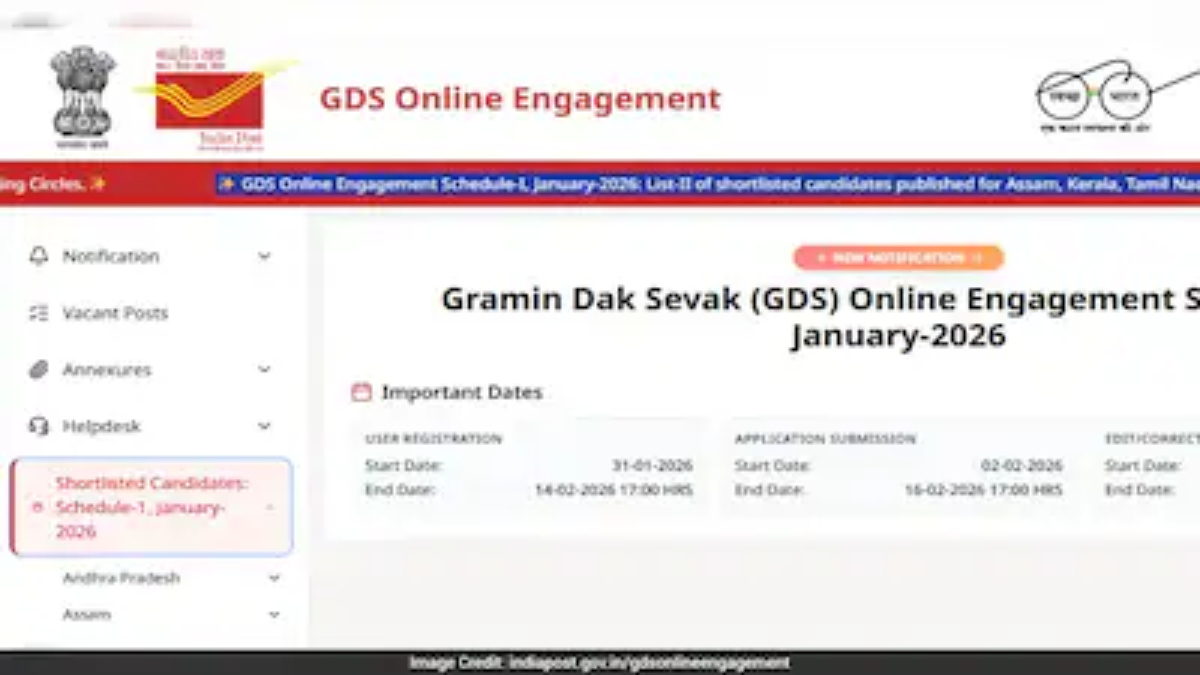
New Delhi, May 12, 2026: The wait is finally over for thousands of aspirants across the country. India Post has officially released the Gramin Dak Sevak (GDS) 3rd Merit List for the 2026 recruitment cycle. Candidates who applied for the positions of Branch Postmaster (BPM) and Assistant Branch Postmaster (ABPM) can now check their selection status on the official Department of Posts website.
This third list comes as a relief to many applicants who missed out on the first and second rounds of selection. With thousands of vacancies spread across various postal circles in India, the GDS recruitment remains one of the most sought-after opportunities for individuals looking for government employment based on their 10th-standard merit.
In this comprehensive guide, we provide the direct link to download the PDF, a step-by-step guide to checking your name, and essential details regarding the Document Verification (DV) process.
Overview of India Post GDS Recruitment 2026
India Post periodically announces vacancies for Gramin Dak Sevaks to strengthen the rural postal network. Unlike many other government exams, the GDS selection process does not involve a written examination. Instead, candidates are selected based on a system-generated merit list derived from their marks in the Secondary School Examination (10th Standard).
- Organization: India Post (Department of Posts)
- Post Names: Branch Postmaster (BPM), Assistant Branch Postmaster (ABPM), and Dak Sevak.
- Selection Criteria: Merit-based (10th Class Marks).
- Merit List Release: 3rd List (May 2026).
- Official Website: indiapostgdsonline.gov.in
How to Download the India Post GDS 3rd Merit List 2026 PDF?
The merit list is released circle-wise (state-wise). Candidates are advised to follow these simple steps to access the result:
- Visit the Official Website: Go to the official India Post GDS Online portal at indiapostgdsonline.gov.in.
- Locate the ‘Selection List’ Tab: On the homepage, look for the section titled “GDS 2026 Schedule – Shortlisted Candidates.”
- Select Your Circle: A dropdown menu will appear listing all circles (e.g., Uttar Pradesh, Bihar, Maharashtra, West Bengal, etc.).
- Click on 3rd Merit List: Under your respective circle, click on the link labeled “Supplementary List-III.”
- Download the PDF: The merit list for that specific circle will open in PDF format. Download it to your device.
- Search for Your Name/Registration Number: Use the “Find” function (Ctrl+F on Windows or the magnifying glass icon on mobile) to search for your Registration Number or Name.