

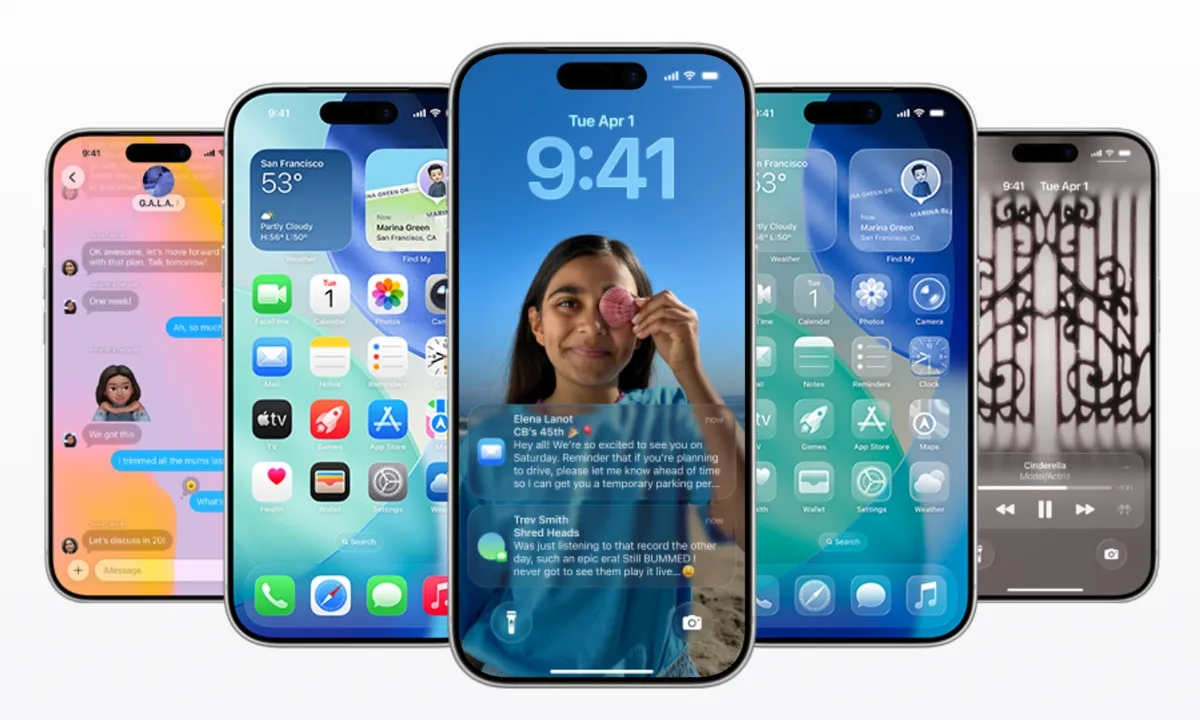
New Delhi, February 12, 2026: In a move that signals a significant shift in its ecosystem strategy, Apple has officially released iOS 26.3. While the “point-three” updates are often reserved for minor stability fixes, this iteration brings a heavy-hitting feature set—including a first-of-its-kind official Android Migration Tool, essential upgrades to Apple Music, and critical security patches that address active vulnerabilities.
Coming roughly two months after the launch of iOS 26.2, this update is now available for the iPhone 11 and later. Here is a comprehensive breakdown of everything new in iOS 26.3.
1. The Headline: “Transfer to Android” Tool
Perhaps the most surprising addition is Apple’s new native tool designed to help users leave the iPhone. Located under Settings > General > Transfer or Reset iPhone, the new “Transfer to Android” option streamlines what has historically been a tedious process.
- Wireless Simplicity: Using a high-bandwidth peer-to-peer Wi-Fi connection, users can now move photos, messages, notes, contacts, and even free apps directly to a nearby Android device.
- No Extra Apps Required: Unlike previous methods that required third-party software, this tool is baked into the OS.
- Regulatory Influence: This change is largely seen as a response to the EU’s Digital Markets Act (DMA), which mandates better interoperability. However, Apple has made the feature available to users worldwide.
2. Apple Music: Offline Lyrics and UI Refinements
Music lovers have several reasons to hit the update button. iOS 26.3 introduces functionality that fans have requested for years:
- Offline Lyrics: You can now download lyrics along with your tracks. This is a game-changer for travelers or those in low-connectivity areas who still want to follow along with their favorite songs.
- Favorite Songs Playlist: The “Favorite Songs” playlist has been given higher visibility, now appearing prominently in the Top Picks section of the Home tab.
- Encrypted RCS Messaging: While technically a system-wide messaging update, iOS 26.3 includes the framework for end-to-end encrypted RCS, improving the security of chats with Android users.
3. Privacy and Personalization
Apple continues to double down on user privacy and home screen aesthetics with two notable changes:
- Limit Precise Location: For users with newer hardware (specifically the iPhone 16e and iPhone Air featuring the C1/C1X modems), a new toggle allows you to hide your exact street address from cellular carriers. Instead, carriers will only see your general neighborhood. Currently, this is supported by select carriers like Boost Mobile in the US.
- Wallpaper Organization: The “Weather & Astronomy” wallpaper category has been split. Weather now has its own dedicated section with three new preset layouts that reflect real-time conditions with updated font styles and widgets.
4. Critical Security Fixes
Beyond the flashy features, iOS 26.3 is a “must-install” for security reasons. The update patches nearly 40 vulnerabilities, including a high-priority fix for CVE-2026-20700.
Apple confirmed that this specific memory corruption flaw may have been exploited in “extremely sophisticated attacks” targeting specific individuals. Updating immediately ensures your device is protected against these and other flaws in the Kernel and WebKit engines.
How to Update
To install iOS 26.3, ensure your device has at least 50% battery (or is connected to a charger) and follow these steps:
- Open Settings.
- Navigate to General.
- Tap Software Update.
- Select Download and Install.
The update is approximately 1.5GB to 2GB depending on your device model.