
 has officially crossed a major milestone in the recruitment process for Ministerial and Isolated (MI))
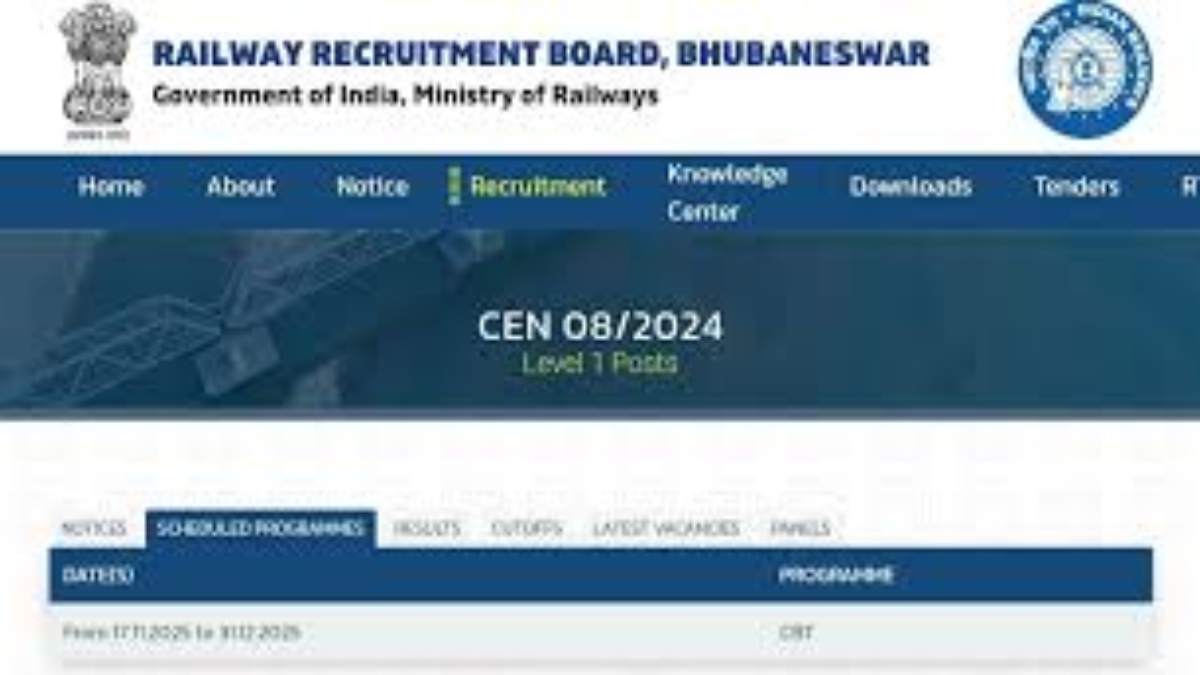
New Delhi, May 12, 2026: The Railway Recruitment Board (RRB) has officially crossed a major milestone in the recruitment process for Ministerial and Isolated (MI) Categories. As of May 11, 2026, the board has activated the link for candidates to check their application status for CEN No. 08/2025. This announcement brings much-needed clarity to thousands of aspirants who applied for various specialized roles within the Indian Railways earlier this year.
If you are one of the candidates who submitted an application between December 2025 and January 2026, you can now verify whether your form has been accepted, conditionally accepted, or rejected.
Direct Link to Check RRB Isolated Categories Application Status 2026
The Railway Recruitment Board has centralized the status check process through its official recruitment portal. While individual regional RRB websites (like RRB Allahabad, RRB Mumbai, and RRB Kolkata) will also host the notice, the primary login portal is:
- Official Direct Link: https://www.rrbapply.gov.in/
Candidates are advised to have their registered mobile number or email ID and password ready to log in and view their status.
Key Highlights of RRB CEN 08/2025 Recruitment
The recruitment drive for Isolated and Ministerial Categories aims to fill 312 vacancies (as per the latest updated vacancy counts) across several specialized technical and non-technical departments.
| Feature | Details |
| Notification Number | CEN No. 08/2025 |
| Total Vacancies | 312 |
| Application Status Release Date | May 11, 2026 |
| Application Start Date | December 30, 2025 |
| Application End Date | January 29, 2026 |
| Mode of Check | Online (Official Portal) |
Breakdown of Major Posts
The “Isolated Categories” encompass a variety of roles that require specific professional qualifications:
- Junior Translator (Hindi): 202 Posts
- Lab Assistant Grade III: 39 Posts
- Staff and Welfare Inspector: 24 Posts
- Chief Law Assistant: 22 Posts
- Senior Publicity Inspector: 15 Posts
- Public Prosecutor: 07 Posts
- Scientific Assistant (Training): 02 Posts
Step-by-Step Guide: How to Check Your Application Status
Checking your status is a straightforward process. Follow these steps to ensure you have the correct information:
- Visit the Official Website: Go to the primary RRB recruitment portal at www.rrbapply.gov.in.
- Navigate to the Login Page: Look for the “CEN 08/2025 (RRB Isolated Categories)” link or click on the “Login” button on the homepage.
- Enter Credentials: Provide your Mobile Number/Email ID and the Password created during the registration process.
- Verification: Enter the Captcha code shown on the screen and click “Submit.”
- View Status: Once logged in, your application dashboard will show one of three statuses:
- Provisionally Accepted: Your application is valid, and you are eligible for the next stage.
- Conditionally Accepted: Your application is accepted subject to certain conditions (often related to pending document verification).
- Rejected: Your application has been declined. The portal will specify the exact reason for rejection (e.g., blurred photograph, invalid signature, or lack of eligibility).
- Download & Print: It is highly recommended to take a screenshot or printout of this status for your records.
Note: The RRB is also sending SMS and email alerts to the registered contact details of all applicants. Even if you haven’t received an email yet, it is best to check the portal directly.
Understanding Your Status: What Happens Next?
If Your Application is Accepted
Congratulations! This means you have cleared the scrutiny phase. Your focus should now shift entirely to the Computer-Based Test (CBT).
- Start Intensive Preparation: The syllabus for Isolated Categories is post-specific, focusing heavily on professional knowledge along with General Awareness and Reasoning.
- Keep Documents Ready: Ensure you have all original certificates ready for the Document Verification (DV) stage, which follows the CBT.
If Your Application is Rejected
If your application is rejected, the RRB usually provides the specific reason. Common reasons include:
- Incompatible photograph or signature format.
- Incomplete information in the mandatory fields.
- Failure to meet the age or educational eligibility criteria as of the cutoff date (January 29, 2026).
Can you appeal? Generally, the decision of the RRB is final once the scrutiny is complete. However, if you believe there is a technical error, you can contact the official RRB Helpdesk for clarification.
RRB MI 2026 Exam Dates (Tentative)
While the official exam schedule for CEN 08/2025 has not been announced yet, industry sources and previous trends suggest that the CBT phase is expected to take place in June or July 2026.
The board typically releases the City Intimation Slip 10 days before the exam and the Admit Card/E-Call Letter 4 days before the scheduled test date. Candidates should remain active on the official portals to catch the announcement of the exact dates.Support and Helpdesk Information.
If you encounter technical issues while logging in or have queries regarding your application status, you can reach out to the official RRB support team:
- Phone Numbers: 9592-001-188 / 0172-565-3333
- Email Support: rrb.help@csc.gov.in
- Availability: Monday to Friday (10:00 AM to 05:00 PM)
Final Advice for Aspirants
The release of the application status is the first clear signal that the examination cycle is moving into high gear. Aspirants for roles like Junior Translator or Law Assistant should double down on their “Professional Knowledge” section, as it carries significant weight in the final merit list.
Stay wary of fraudulent websites or “touts” promising jobs for money. The Railway recruitment process is fully computerized and based strictly on the merit of the candidate. For all future updates regarding the RRB Isolated Categories Admit Card 2026 and Exam Schedule, continue to monitor the official websites.